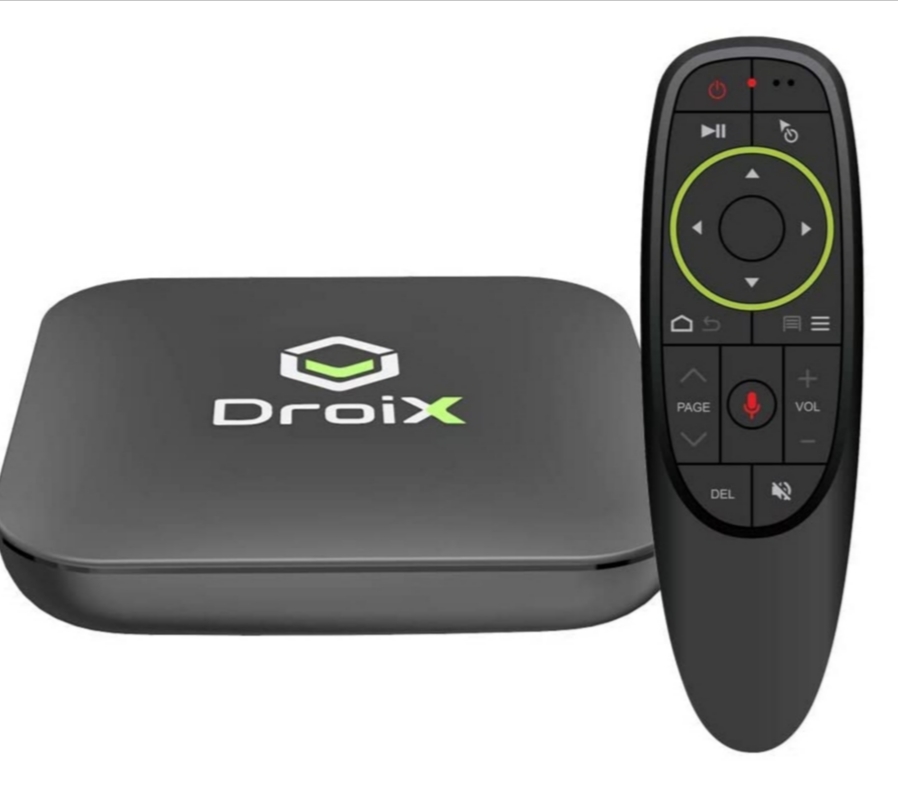
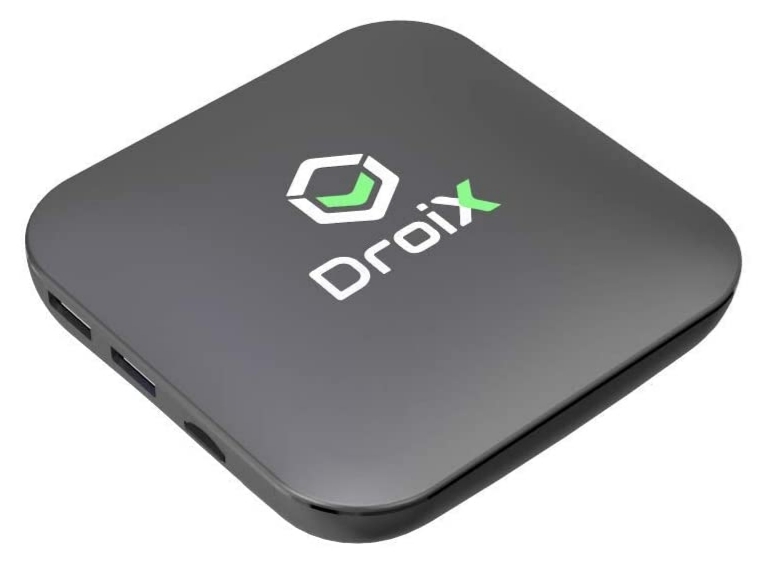
As we start this review it is important to note that not all Android boxes are created equally! This review focuses on the DroiX X3 purchased via Amazon.
We purchased an Android TV box to allow us to watch on-demand programmes as we do not tend to watch a great deal of terrestrial TV. We currently have subscriptions with Netflix, Amazon and Disney Plus. For those that already have subscriptions to any of these platforms you will know that you can download programmes and films for offline viewing which is handy when either staying on sites that don’t offer free wifi or the connection speed is slow.


Something that we did not know when we first purchased our Android box is that often these devices are not registered as compatable with many streaming services, so when you search the Google Play store for the apps they either don’t show or the store says it is not available for the device. Have no fear these is a relatively easy work around called ‘Side loading’. We will create a post on how to side load apps and post soon.
If the site you are visiting has a good Wifi connection, but television signal is poor most of the main television services in the UK offer live streaming via there apps (again downloadable from thr Google Play Store).

The Droix X3 box is compact measuring just 109x109x18mm, but still is feature packed with a 64-bit quad core ARM Cortex A55 CPU and ARM G31 MP2 graphics processor for fast processing and video decoding. The box has 4GB RAM and 32GB fast EMMC storage for fast loading and switching between apps. As well as streaming services on our box we have Google Maps, Spotify and various others to use while in the caravan. The box has many great external features including a USB 3.0 and USB 2.0 port which can be used to connect a high speed external hard drive. There is also a Micro SD Card reader which means you can view photos from camera storage cards as well as using a micro SD card to expand the internal storage. There is a HDMI port (a standard now for TV inputs). Bluetooth 4.2 is supported so you can connect external speakers or gamepads.
The remote for this box is similar to the controller for the Nintendo Wii. To make selections you physically move the remote control left right up and down. Usually this works well, but at times can be abit frustrating, there is a button to turn this feature on and off.
Do you have a Android TV box? Please share your experiences with us in the comments box below.
 Two Go Towing